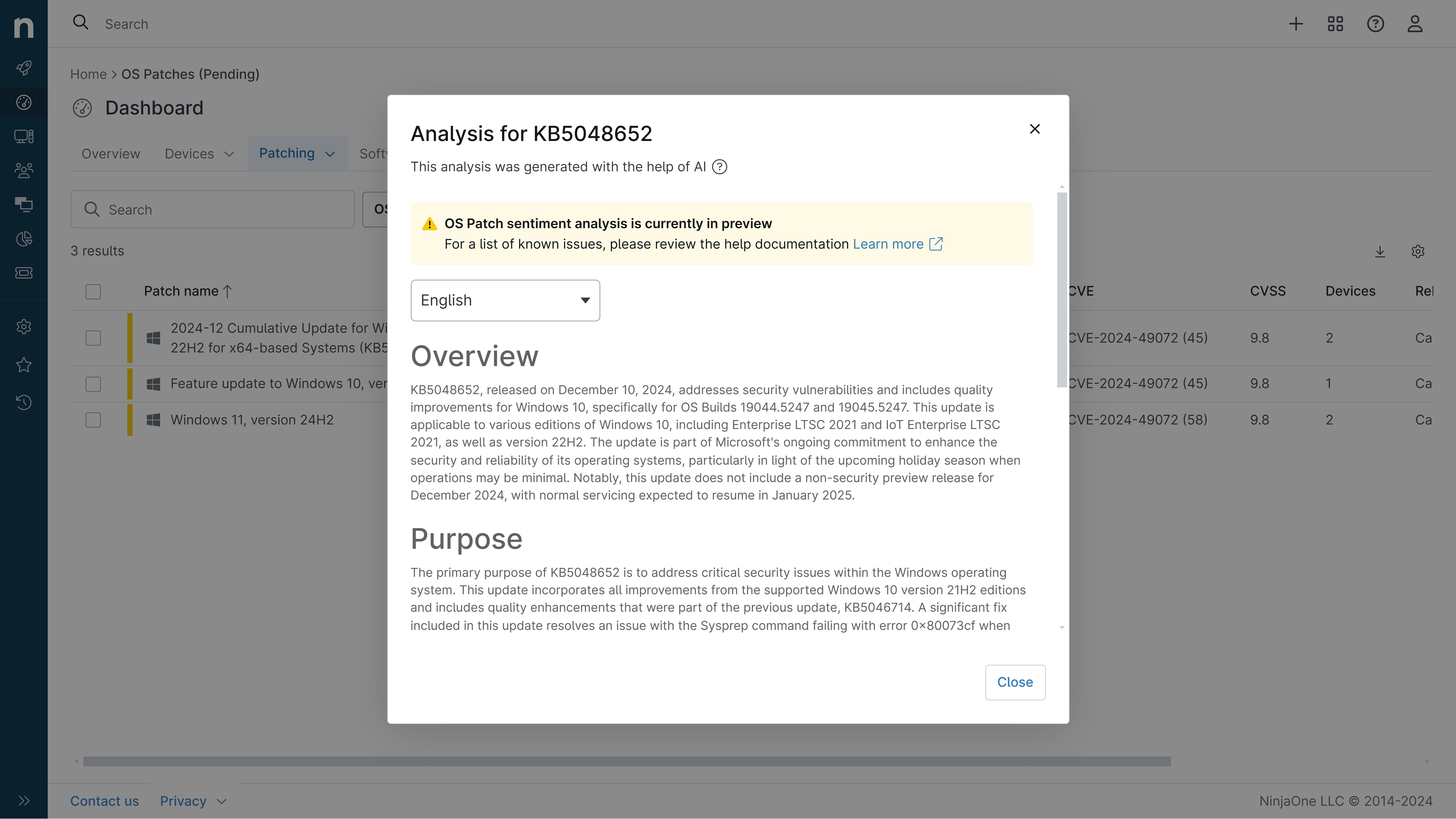
KB5067036: Overview with user sentiment and feedback
Last Updated November 30, 2025
Probability of successful installation and continued operation of the machine
Overview
This non-security update for Windows 11, version 25H2 and 24H2 (KB5067036), improves functionality, performance, and reliability. It includes a variety of new features and enhancements for both Copilot+ PCs and standard Windows 11 PCs. The update addresses several known issues and bugs that were present in previous releases.
General Purpose
The key purpose of this update is to improve the overall user experience and stability of Windows 11. It introduces a redesigned Start menu, new AI-powered capabilities through Copilot, and enhancements to existing features like File Explorer, Input, and the Taskbar. The update also addresses a number of bugs and issues that were causing problems for users, such as unexpected UAC prompts, display and graphics issues, and problems with Windows Update. Additionally, it adds support for post-quantum cryptography algorithms to improve security.
General Sentiment
The general sentiment towards this update seems to be mixed. On one hand, many users are excited about the new features and improvements, particularly the redesigned Start menu and Copilot integration. However, there are also reports of significant issues, such as the Task Manager bug that causes it to duplicate and remain running in the background, negatively impacting system performance. Some users have also experienced crashes, installation failures, and other problems after installing the update. Overall, the update appears to offer some valuable enhancements, but also introduces new problems that Microsoft will need to address in future releases.
Known Issues
- Task Manager might continue running in the background after the app is closed, leading to increased CPU and memory usage
- The password icon may be missing or invisible in the lock screen sign-in options
- Some apps and browsers may display partially unresponsive content when other maximized or full-screen apps are updating in the background
- Protected content playback may fail on some machines after installing a previous update (KB5064081)
Disclaimer: We take measures to ensure that AI-generated content is of the highest possible quality, but we cannot guarantee its accuracy and recommend that users do their own independent research. Generated on 2025-11-30 07:02 PM